Installation Verification
Confirm that OSXNT is correctly installed and working.
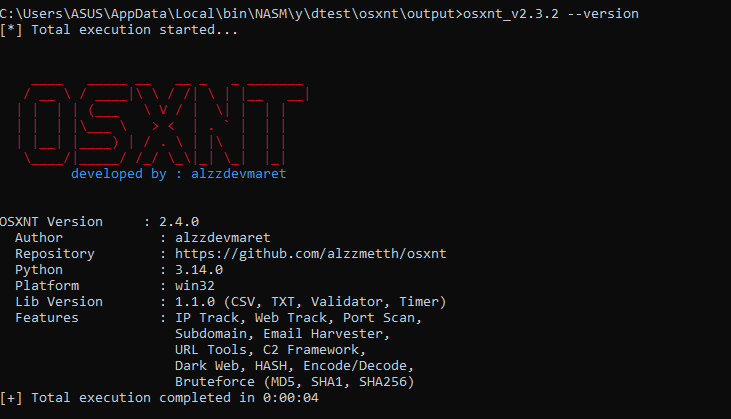
Step 1: Check Version
Run the following command in your terminal:
osxnt --versionExpected output (example):
OSXNT Version: 2.4.0
Author: alzzdevmaret
Repository: https://github.com/alzzmetth/osxnt
...
Step 2: Test Basic Function
Try tracking a public IP:
osxnt ip 8.8.8.8You should see geolocation information for Google's DNS.
Step 3: Test Help
osxnt -hThis should display the full help menu with all commands.
Troubleshooting
- 'osxnt' is not recognized: Add the folder to PATH or run with full path.
- ModuleNotFoundError: Ensure you downloaded the correct version (OneDir includes all dependencies).
- Permission denied: Run as administrator or unblock the file (right-click properties).